



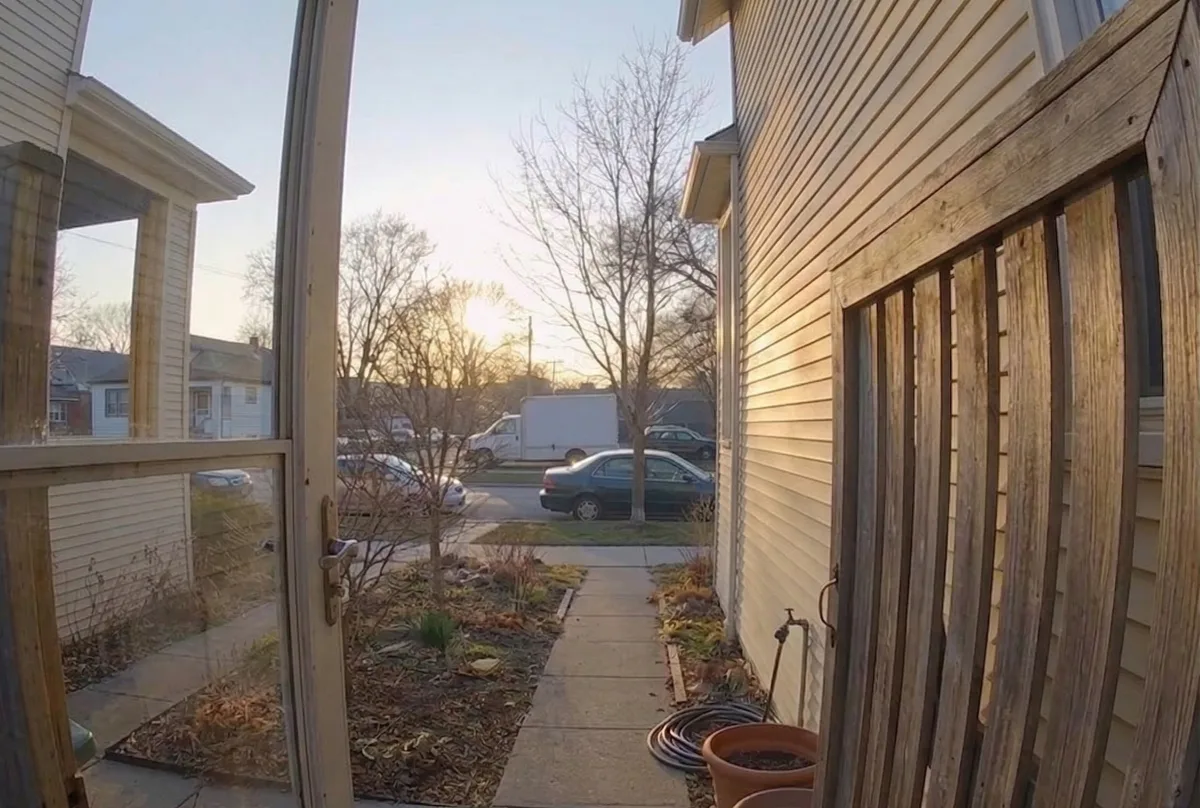


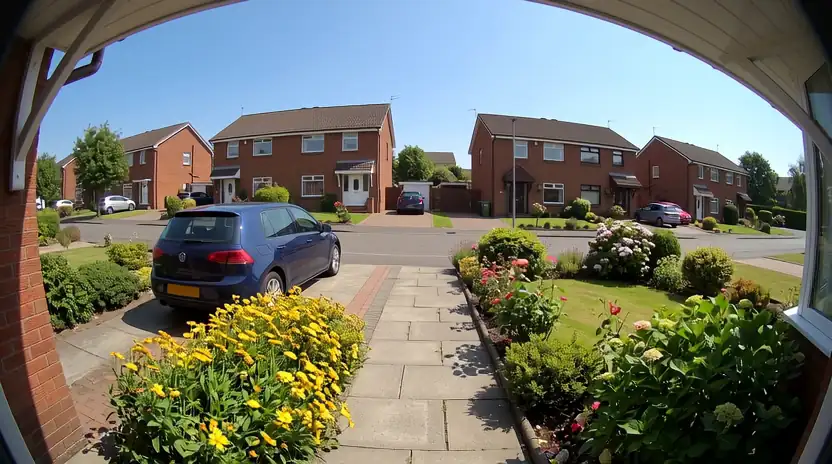
Activity log
Scrub back through motion clips and
doorbell rings from the last few hours.

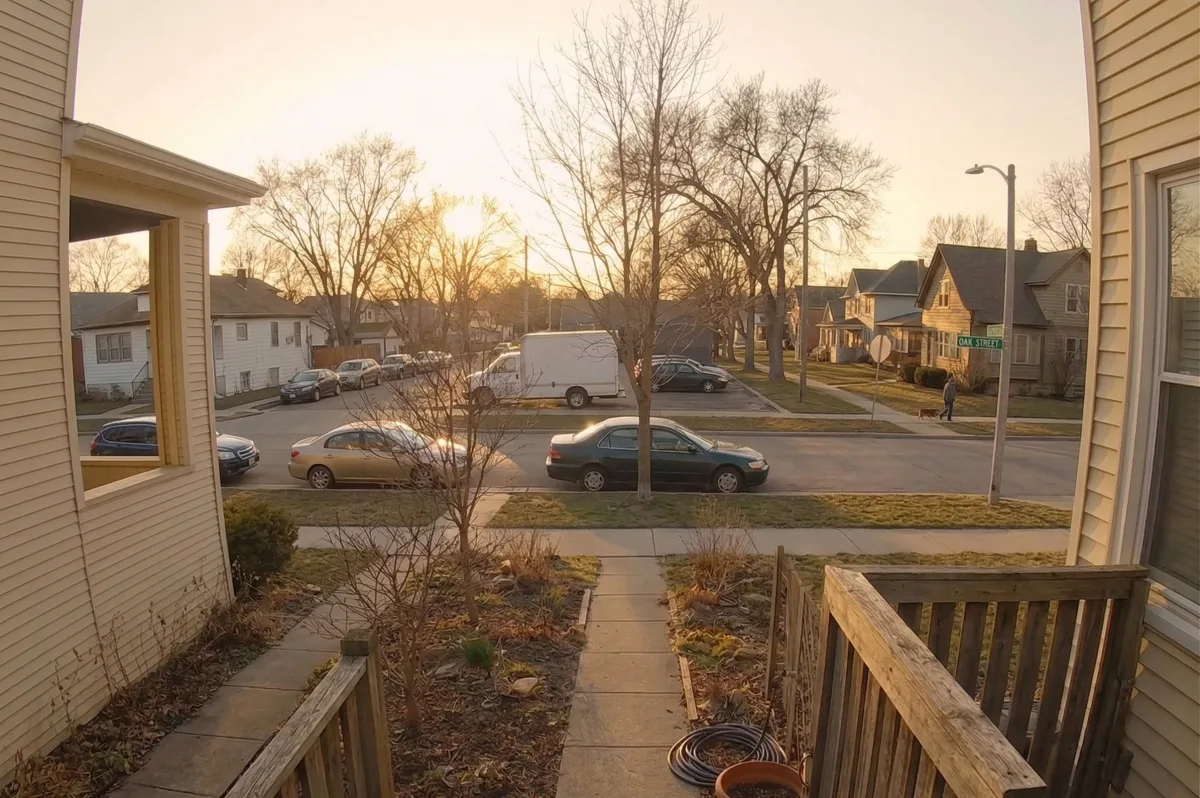
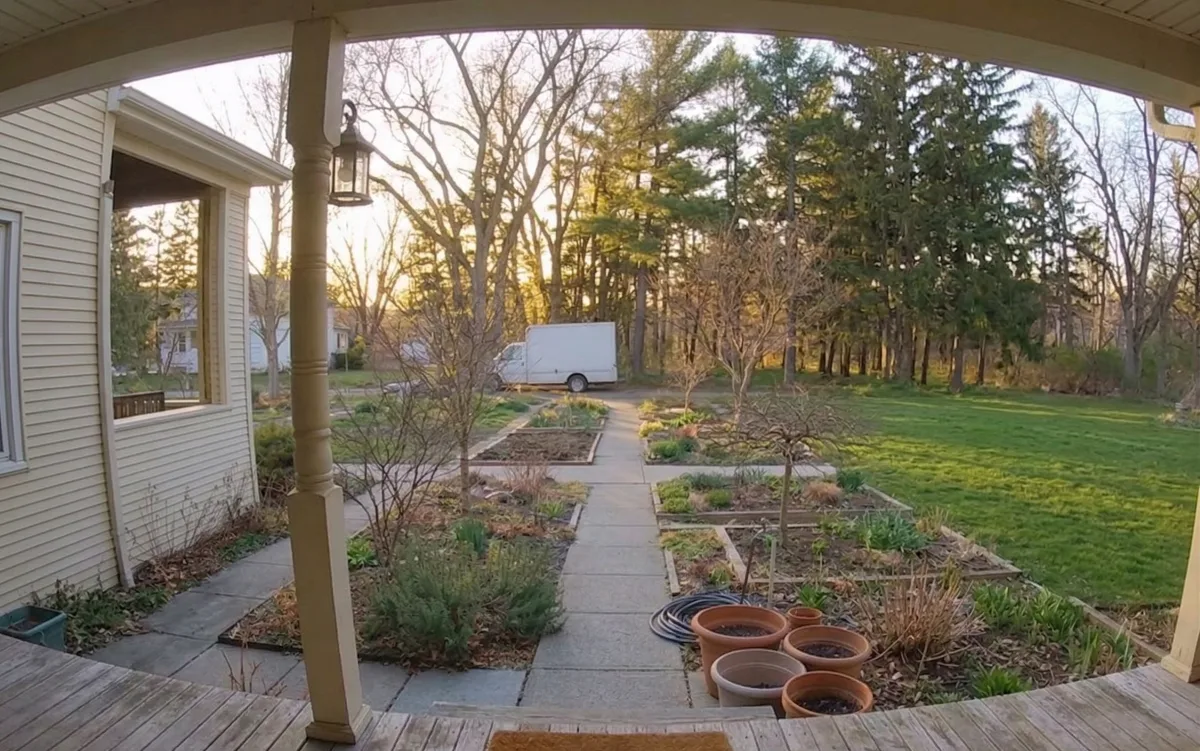
Live views, motion alerts, and instant replay
right in your menu bar.

Open any Ring feed from your menu bar. No phone, no app.

Doorbell and motion alerts arrive as native Mac OS notifications.

See someone at the door and speak to them right from your Mac.
Scrub back through motion clips and
doorbell rings from the last few hours.
No analytics, no servers, no tracking.
Your feeds stay local.
Onlook puts your Ring cameras in your Mac's menu bar. Live view, two-way talk, motion alerts, and clip playback — one click away, without opening a browser or reaching for your phone.
No. Onlook is an independent app, not affiliated with, endorsed by, or sponsored by Ring or Amazon. You sign in with your own Ring account, and your credentials go directly to Ring — never to us.
A Mac with Apple Silicon running macOS 14 (Sonoma) or later, a Ring account, and at least one Ring camera or doorbell. That's it — no other software to install.
Yes. Your email and password go only to Ring — Onlook never stores them and has no servers, no analytics, and no tracking. Video streams travel from Ring to your Mac and nowhere else. After sign-in, a Ring session token is kept securely on your Mac, the same way Ring's own app stays signed in.
Yes — recent motion events appear in the activity log and replay right in the app. Playback uses Ring's recordings, so it requires an active Ring Protect subscription.
Because Onlook is independent, a Ring-side change can occasionally interrupt features until we ship a fix. We watch closely and patch quickly — Onlook updates itself automatically, so fixes arrive without you doing anything.
Check that Audio Streaming is enabled for that camera in the Ring app (Device Settings → Audio). Some Ring cameras ship with it off — Onlook can only play the audio Ring sends.